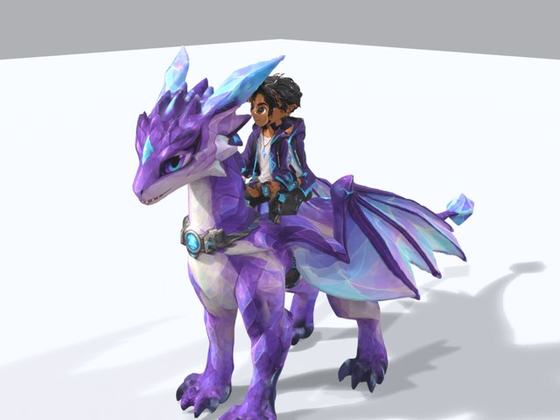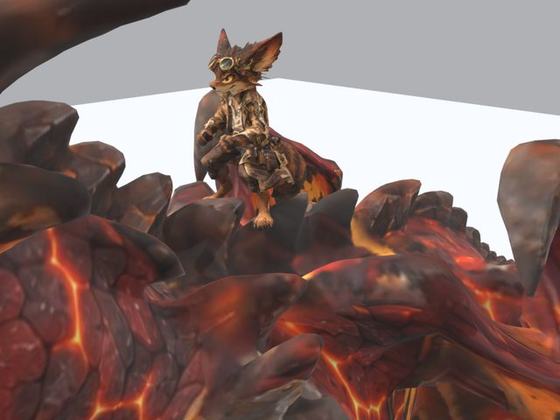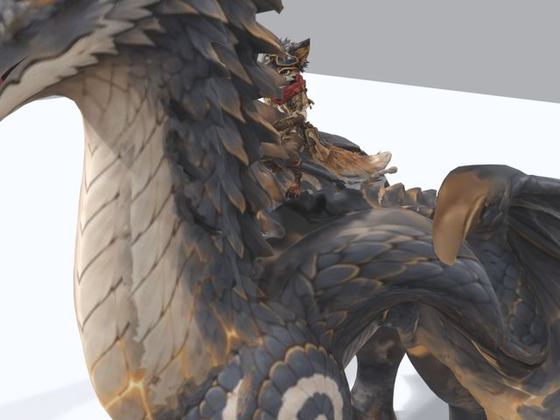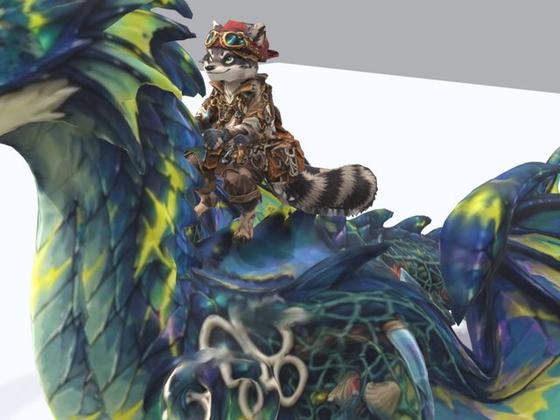
Dragon STEM Open Map
Fly a dragon over a world made of blocks. Dig, build and solve 38 STEM missions from the Dragonkeepers books.
It plays in your web browser, with nothing to install. No timers, no scores, no ads.
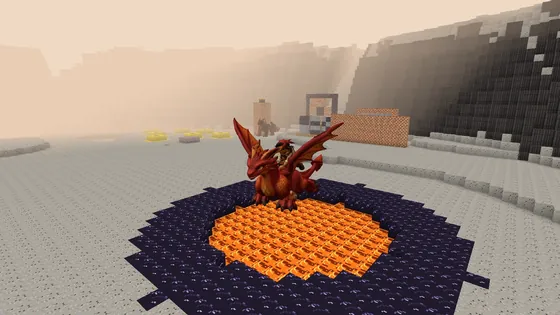
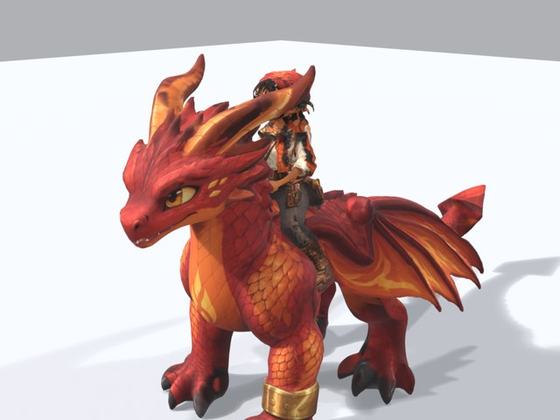
The Caldera 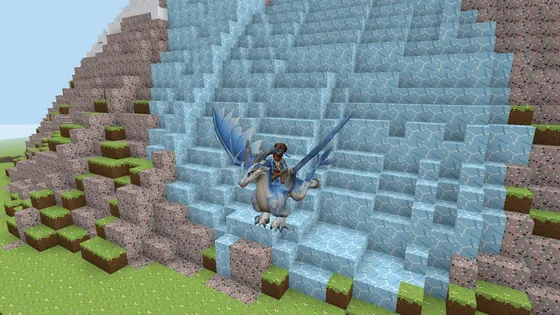
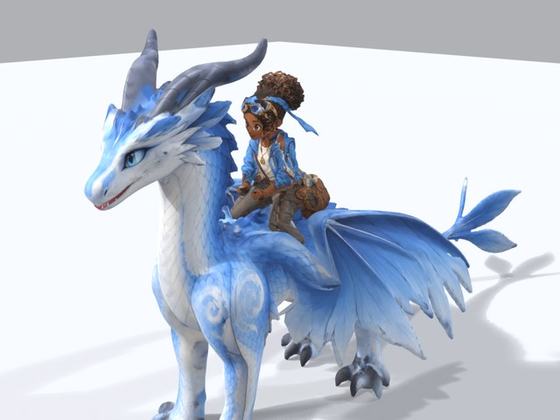
Skyreach 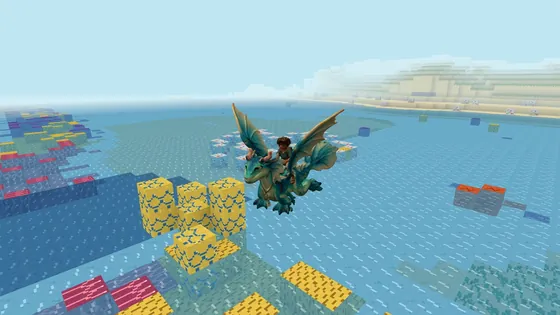
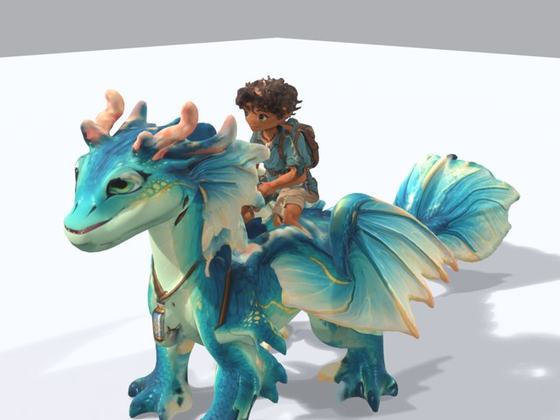
Coralhaven 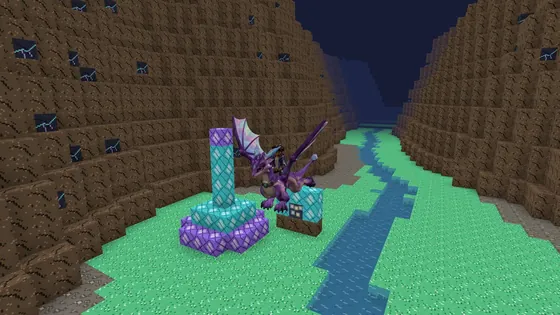
Glitterdeep
What you do
- Explore on foot, or press F and fly on your dragon. In deep water your dragon swims, and Marina glides with her fin-wings.
- Dig and build with blocks. Click to dig. Right-click to build.
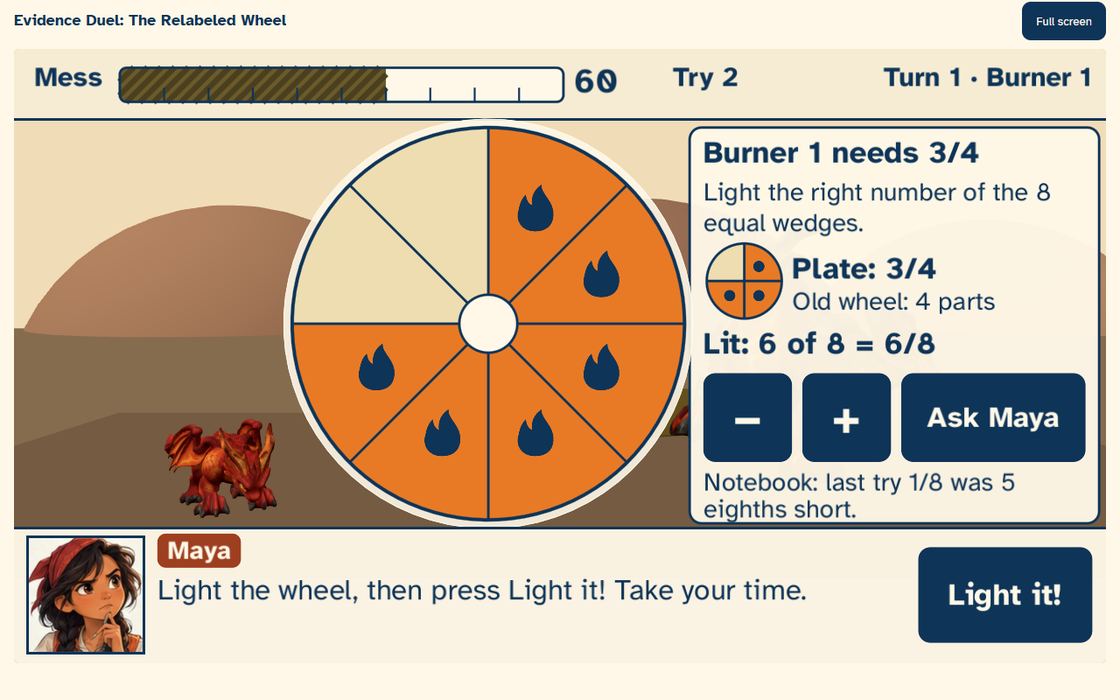
- Do STEM missions from the books. Your rider gives hints, and a hint never gives the answer.
- Fill your Dragon Notebook: 51 idea cards, a page for every mission and 34 curiosity finds.
- Travel between all 6 regions, or visit a brand-new random map.
The missions
- 38 missions: 32 from Books 1 to 5, and 6 on Beacon Isle.
- Each book ends with its villain. On Beacon Isle the last mission brings Nullwyrm and The Dull King.
- Most take about 5 to 10 minutes.
- No timers. No scores. Badges you earn stay earned, unless you choose New world, which asks first.
Six regions
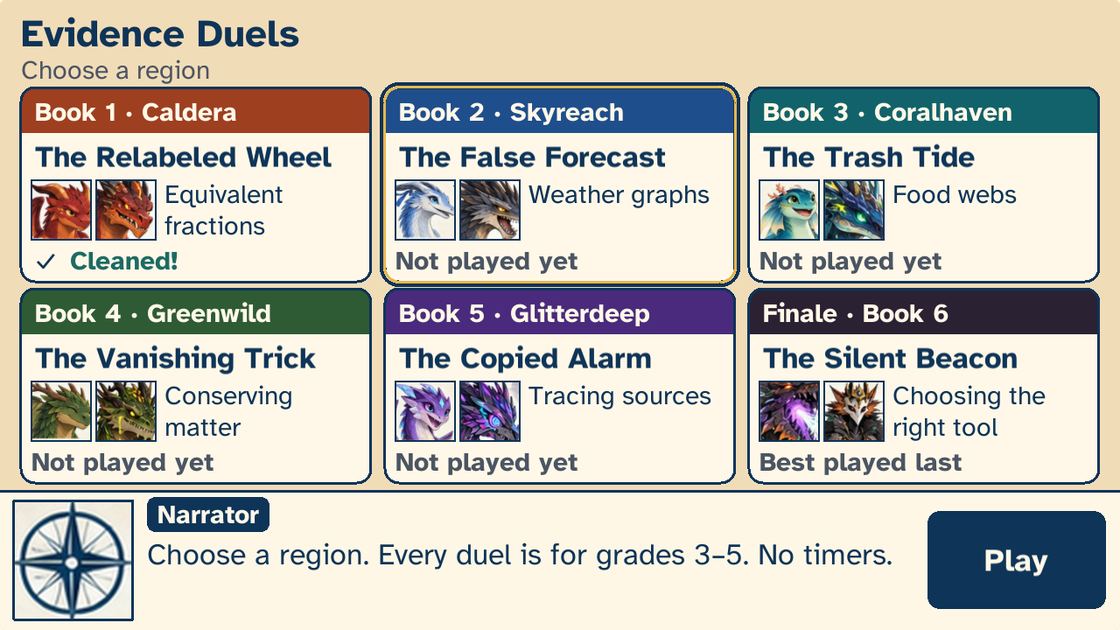
The first five match Books 1 to 5. Each has its own hero dragon and rider. Beacon Isle comes next in the story, and it is best after the five badges.
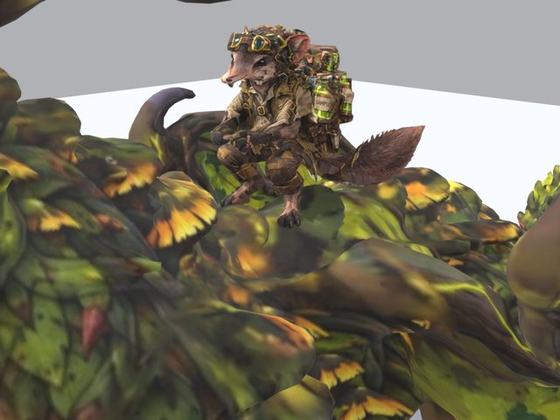
Caldera
Kairo and Maya: Mathematics + Engineering
The villains at the end: Sludgeburn and Gritsnare
Skyreach
Zephyra and Skye: Physics + Earth/Space
The villains at the end: Heatfang and Smogrift
Coralhaven
Marina and Neri: Biology + Ecology
The villains at the end: Plastitide and Slickfin
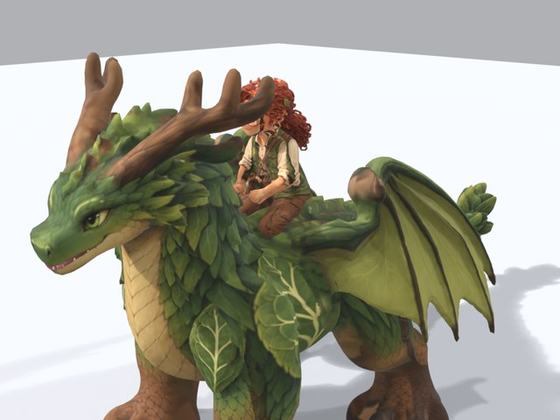
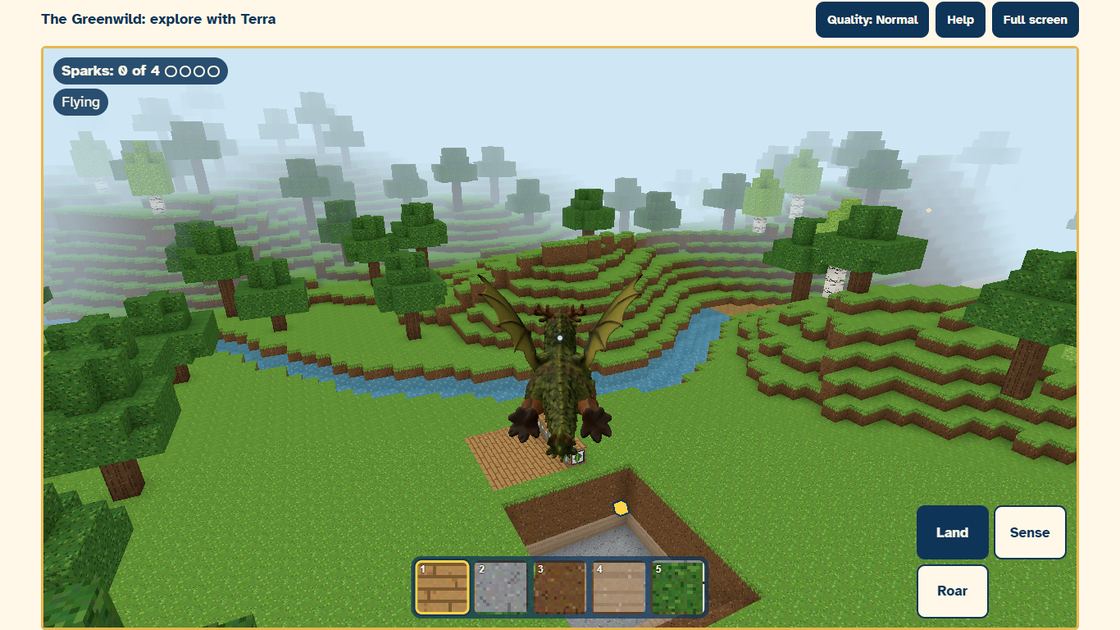
The Greenwild
Terra and Rowan: Chemistry + Environment
The villains at the end: Toxibloom and Muckmire
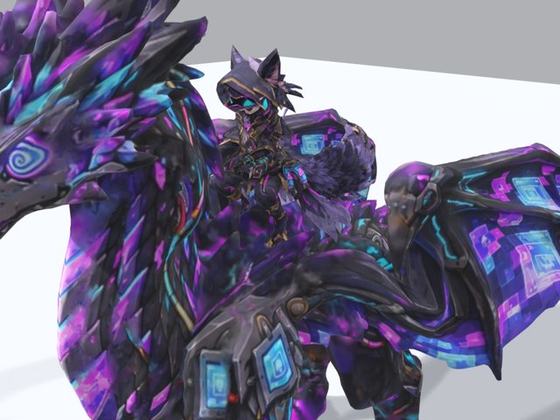
Glitterdeep
Lumen and Tavi: Computing + Data + Technology
The villains at the end: Glarebyte and Scrollshade
Beacon Isle
All five hero teams: Systems and teamwork
The villains at the end: Nullwyrm and The Dull King
A friend, if you want one
- Squishy Dumpling is a small cartoon friend. It can pop up next to your dragon. Press P to pet it.
- It is only company: no hints, no answers, nothing to win.
- It is on when you start. To switch it off, or on again, open the Menu, choose Friends and press On or Off.
How to play
Use a keyboard and mouse, or touch.
- W A S D or arrows Move
- F Take off or land
- J Open Missions
- N Open the Dragon Notebook
- M or Esc Open or close the menu
- H Help (or Ask for a hint in a panel)
- P Pet a friend that is close
- Click Dig the block you point at
- Right-click Build on the block you point at
On a touch screen:
- Round pad Move. Push it far to run.
- Drag Look around
- Tap Dig or build
The game shows its keys on the screen. Press L to show or hide them.
Saving
- The game saves itself while you play.
- 3 save slots: give a save a name, then load it later.
- Save to file keeps a copy of a big build. It also moves your world to another computer.
- Saves stay in your own browser and are never sent anywhere. If you clear your browser's data, they can disappear. Use Save to file first.
Where it runs
- In a web browser, on a laptop, a Chromebook or a tablet. A computer with a keyboard and mouse is best.
- The first start downloads about 12 MB. That is about 4 seconds on a fast computer, and about 20 seconds in our slow school-laptop test.
- We tested a simulated Chromebook and tablet-size screens. We have not tried real ones yet. A phone works, but it is small.
For parents and teachers
- No ads. No chat. No accounts. The game collects and sends nothing.
- The missions are for grades 3 to 5. They name 45 standards: Common Core math, Common Core math practices, NGSS science, NGSS crosscutting concepts and practices, CSTA computer science and ISTE technology.
- A wrong answer gets a reason and another try. Sentences are short, the typeface is easy to read, and nothing is timed.
- Every idea card has a safe activity to try at home.
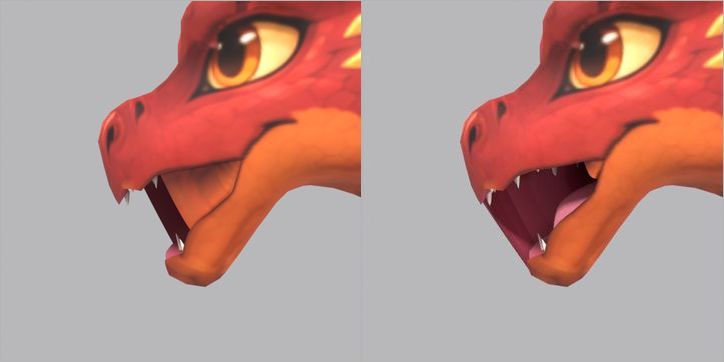 Mouth fix, before and after
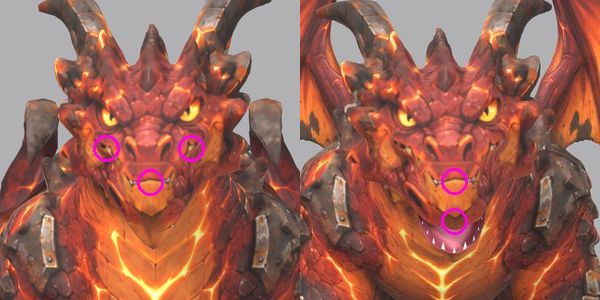 Face check and fix